

Checkout Widget (Shopify Plus)
The Checkout Widget appears in your Shopify checkout, showing customers the environmental impact associated with their purchase. Its behavior depends on your store's trigger mode.
Checkout extensions are only available on Shopify Plus plans. Shopify's checkout page is locked on standard plans and cannot be customized with app widgets.
Alternatives for all Shopify plans:
- Cart Impact Widget — shows impact in the cart before checkout
- Thank You Page — shows impact confirmation after purchase
- Order Status Page — shows impact details on the order status page
How it appears by trigger mode
The checkout widget adapts its content based on how your store is configured to trigger impact:
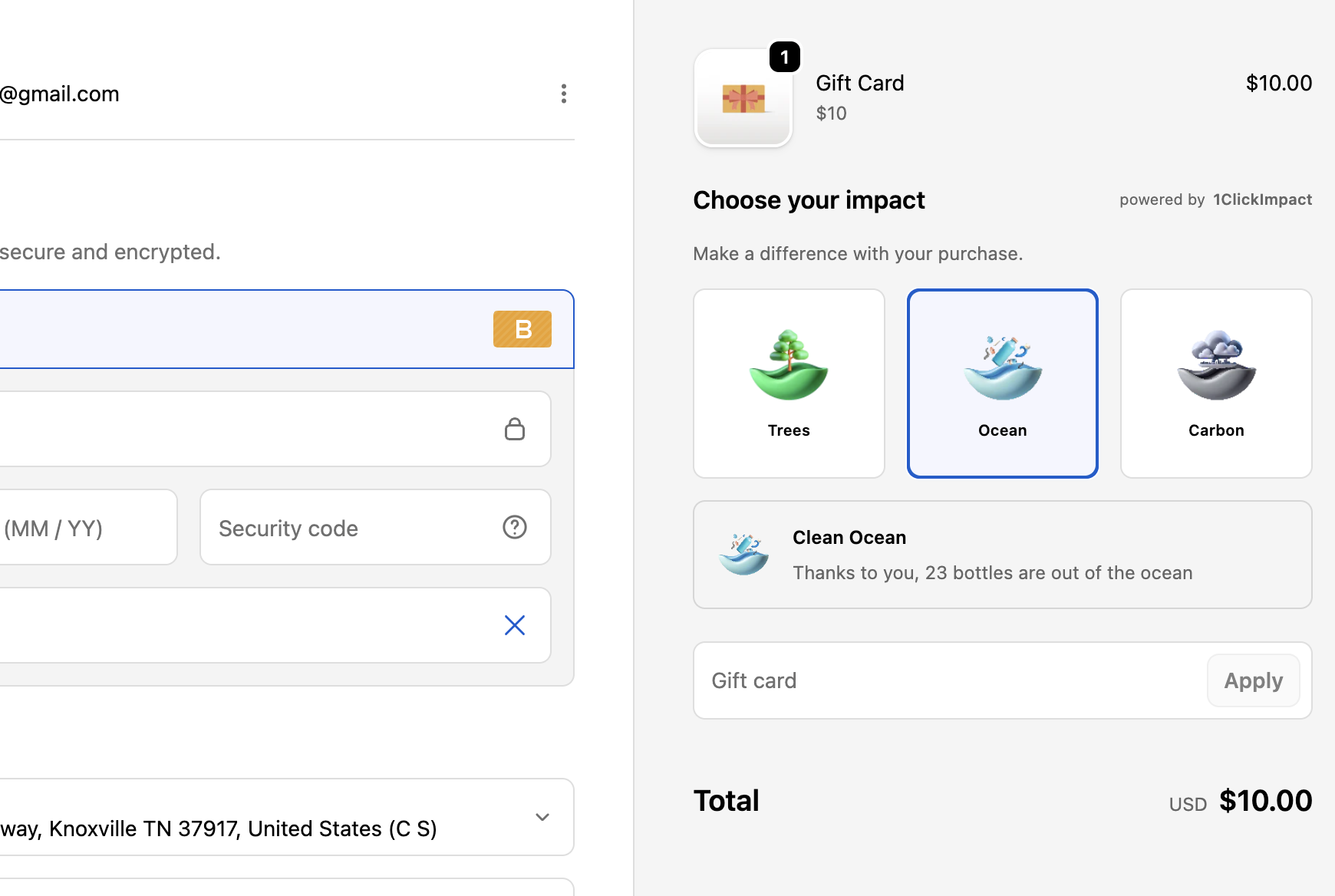
Customer choice mode
The widget displays interactive toggle buttons for each impact category. Customers can select which categories they want to support. Their selections carry over from the cart widget if they already made a choice, or they can adjust at checkout.
Per-order mode
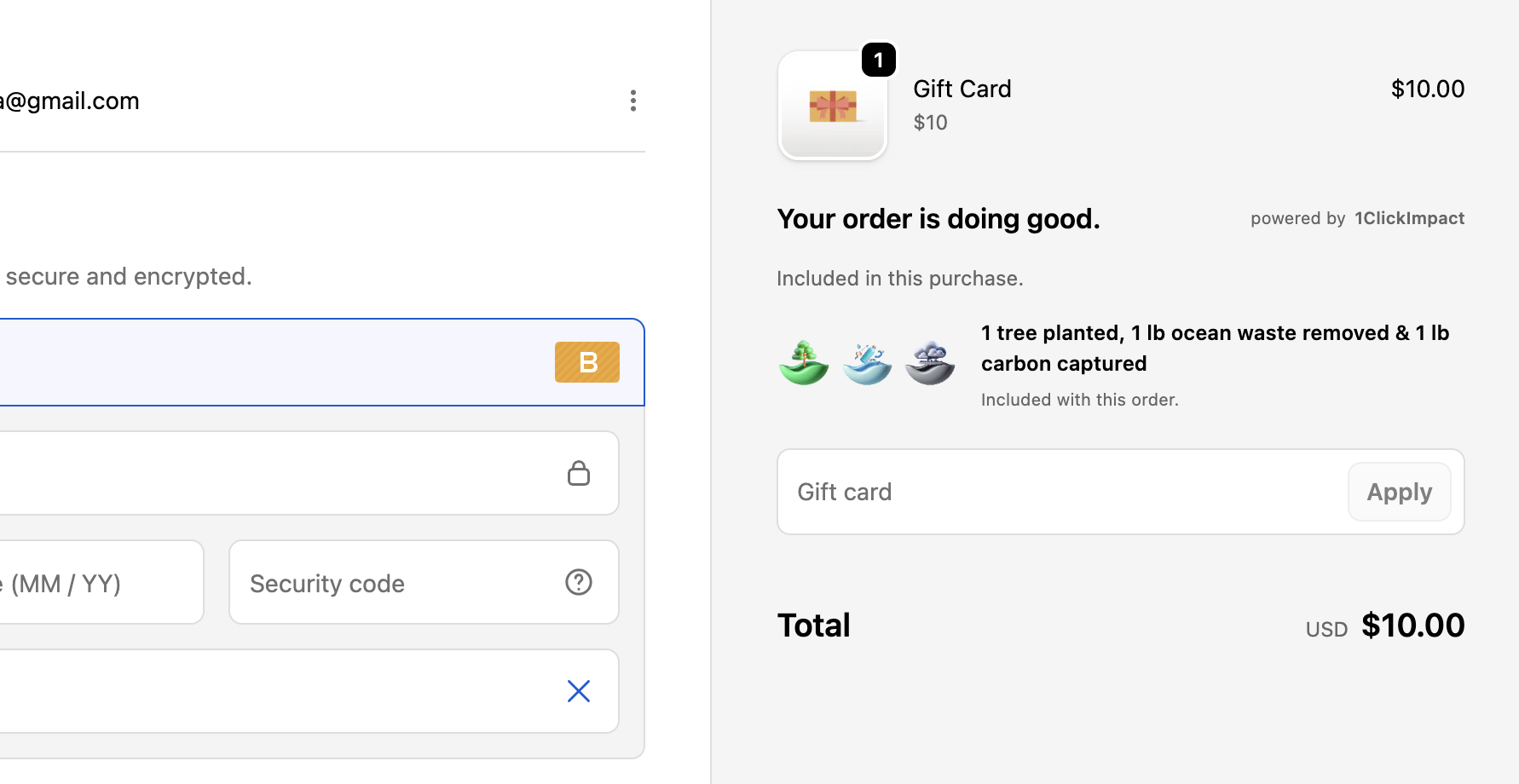
The widget shows a summary of the impact that will be generated by this order. For example: "This order plants 2 trees, removes 1 lb of ocean plastic, and captures 1 lb of carbon."
Per-product mode
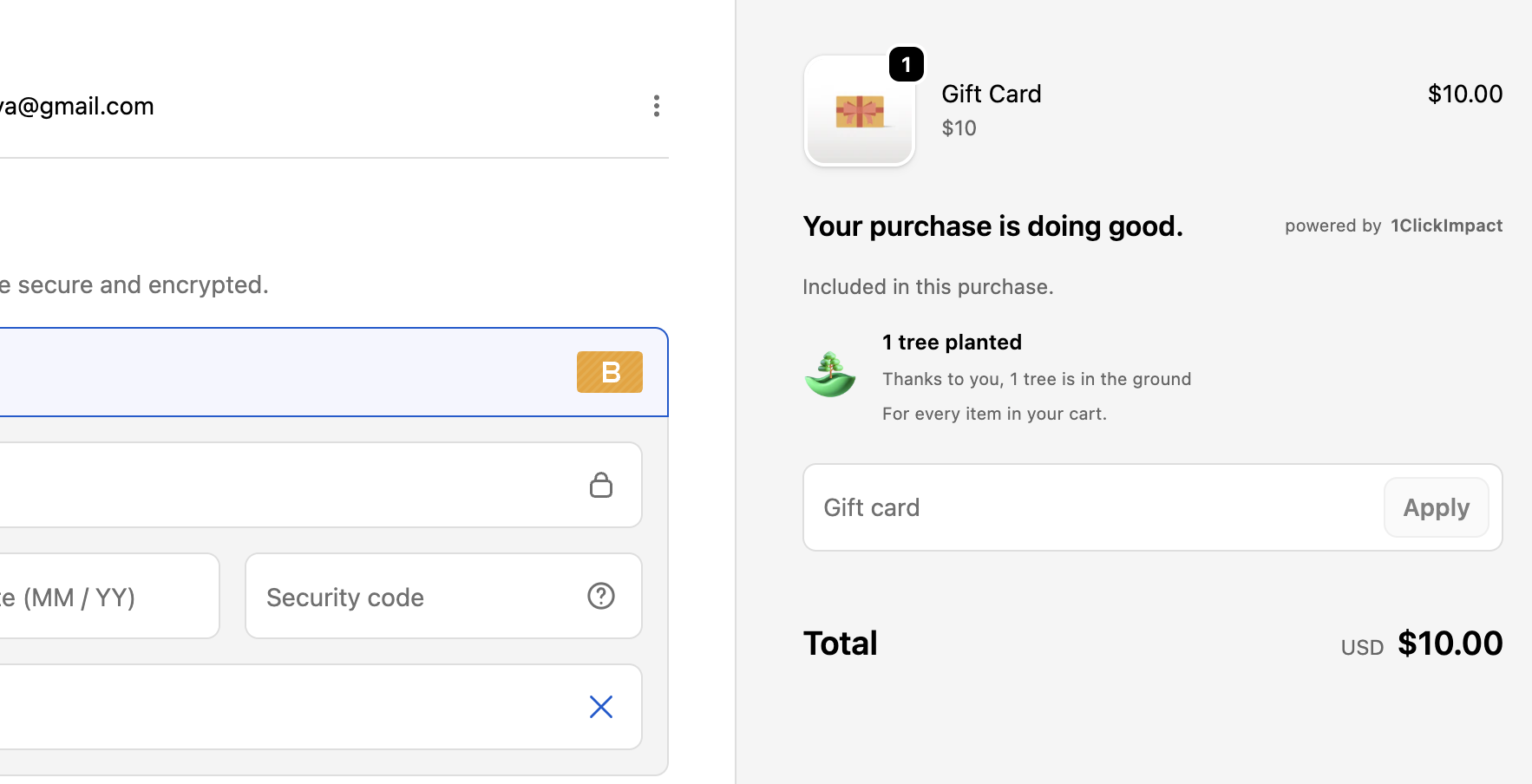
The widget shows an impact summary calculated from the specific products in the cart. Each product may contribute different impact amounts.
Monthly mode
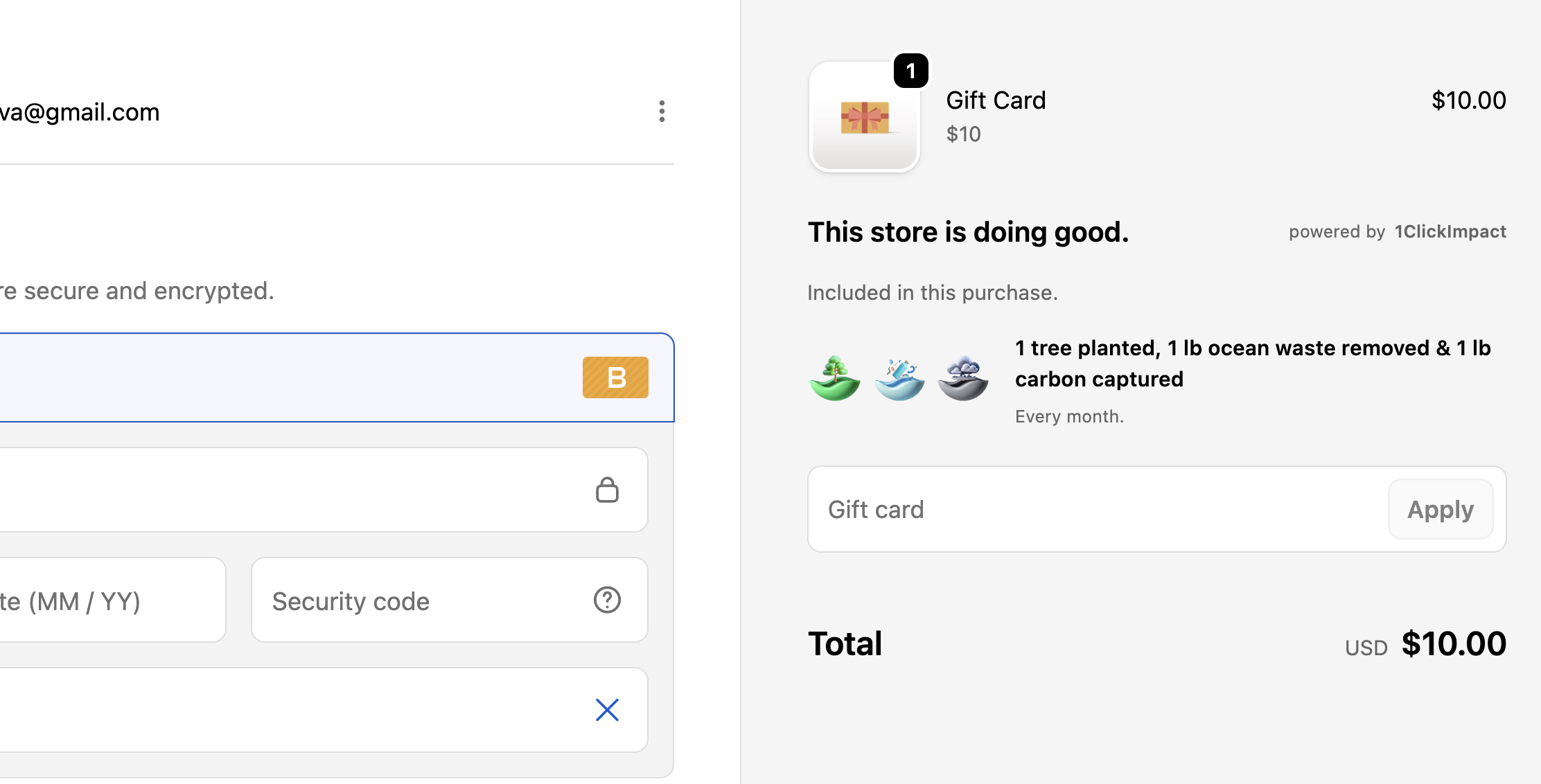
The widget displays a message informing the customer that the store contributes to environmental impact on a monthly basis. For example: "1 tree planted, 1 lb ocean waste removed & 1 lb carbon captured. Every month."
Installation
The Checkout Widget is a Shopify checkout UI extension and is enabled through the app:
- Go to your Shopify admin
- Navigate to Settings → Checkout
- Under Order summary, look for the 1ClickImpact extension
- Make sure it is enabled
In most cases, the extension is activated automatically when you install the app.
Shopify checkout extensions are only available on stores using Checkout Extensibility (Shopify Plus or stores on the new checkout). If you do not see the extension, confirm that your store supports checkout UI extensions.
Customization options
The checkout widget can be customized from within the 1ClickImpact app settings:
- Title — The heading displayed above the impact section in checkout
- Subtitle — A secondary line of text below the title
- Default impact selection — For customer choice mode, set which categories are pre-selected by default
- Show branding — Toggle the 1ClickImpact branding link on or off
Checkout widget styling is constrained by Shopify's checkout branding settings. Colors and fonts follow your checkout's global theme rather than custom widget colors. You can adjust checkout branding under Settings, then Checkout in your Shopify admin.
Customer choice behavior
When using customer choice mode, the widget presents toggle buttons for each active impact category. If a customer made selections in the cart widget, those selections are preserved in checkout. If no prior selection exists, the default selection from your app settings is applied.
Customers can change their selection at checkout. The final selection is what gets processed when the order is placed.