

Impact Categories
1ClickImpact offers six categories of environmental and social impact. You can enable any combination of categories, and each order or trigger will create impact across all your active categories.
Available categories

Plant Trees — $0.40/tree
Real trees planted in deforested areas through verified reforestation partners. Each tree is tracked and verified. This is the most popular category among 1ClickImpact merchants.
Plant Food Trees — $0.60/tree
Fruit-bearing trees planted in communities that need them most. These trees provide long-term nutrition and income for local families. Planting sessions are conducted live and can be shared with your customers.

Clean Ocean Waste — $0.60/lb (~$0.026/bottle)
Plastic and waste removed from oceans, rivers, and waterways. Each pound equals approximately 23 plastic bottles removed. Cleanup is carried out by verified ocean conservation partners.

Capture Carbon — $0.40/lb
CO₂ captured and permanently stored through verified carbon removal projects. This helps offset your store's carbon footprint from shipping and operations.
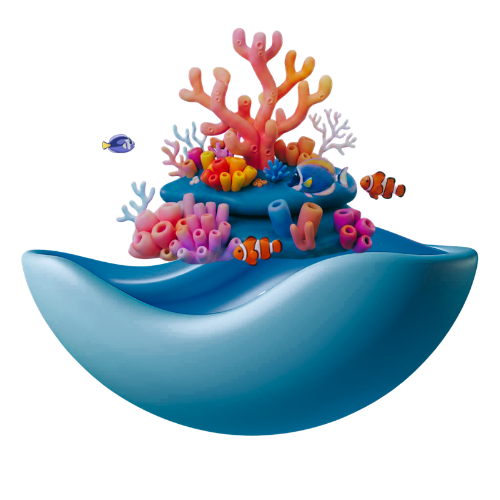
Restore Coral — $2.20/fragment
Coral fragments transplanted onto reef structures by marine restoration partners. A fragment covers about 144 cm² of reef, and 15 fragments fill one full reef structure.

Donate to Causes — $0.10 fee per $1 donated
100% of the amount is donated to a vetted charitable cause of your choice through trusted giving partners.
View available causes
- Veterans Support — supporting veterans' health, housing, and employment
- Animal Welfare — protecting animals and their habitats
- Hunger Relief — providing meals and food security
- Education — funding schools, supplies, and scholarships
- Climate Action — supporting climate research and policy
- Clean Water — providing access to safe drinking water
- Healthcare — funding medical care and research
- Housing & Shelter — supporting housing initiatives
- Youth Development — empowering young people with skills and mentorship
- Disaster Relief — emergency response and recovery
When you enable the Donate to Causes category, you'll be prompted to select a specific cause. You can change your selected cause at any time from the Setup page.
Enabling and disabling categories
You can toggle categories on or off at any time:
- Go to the Setup page in the 1ClickImpact app
- In the Impact Categories section, enable or disable the categories you want
- Save your changes
When a category is disabled, it will no longer be triggered for new orders. Any impact already created in that category is not affected.
How categories work together
When you have multiple categories enabled, each trigger creates impact in all active categories. For example, if you have Plant Trees and Clean Ocean Waste both enabled, every qualifying order will plant a tree and remove ocean waste. The total cost per trigger is the sum of all your active categories.