

Public Impact Profile
Your public impact profile is a shareable page that showcases your store's total environmental contributions. Share it with customers, partners, or on social media to highlight your commitment to sustainability.
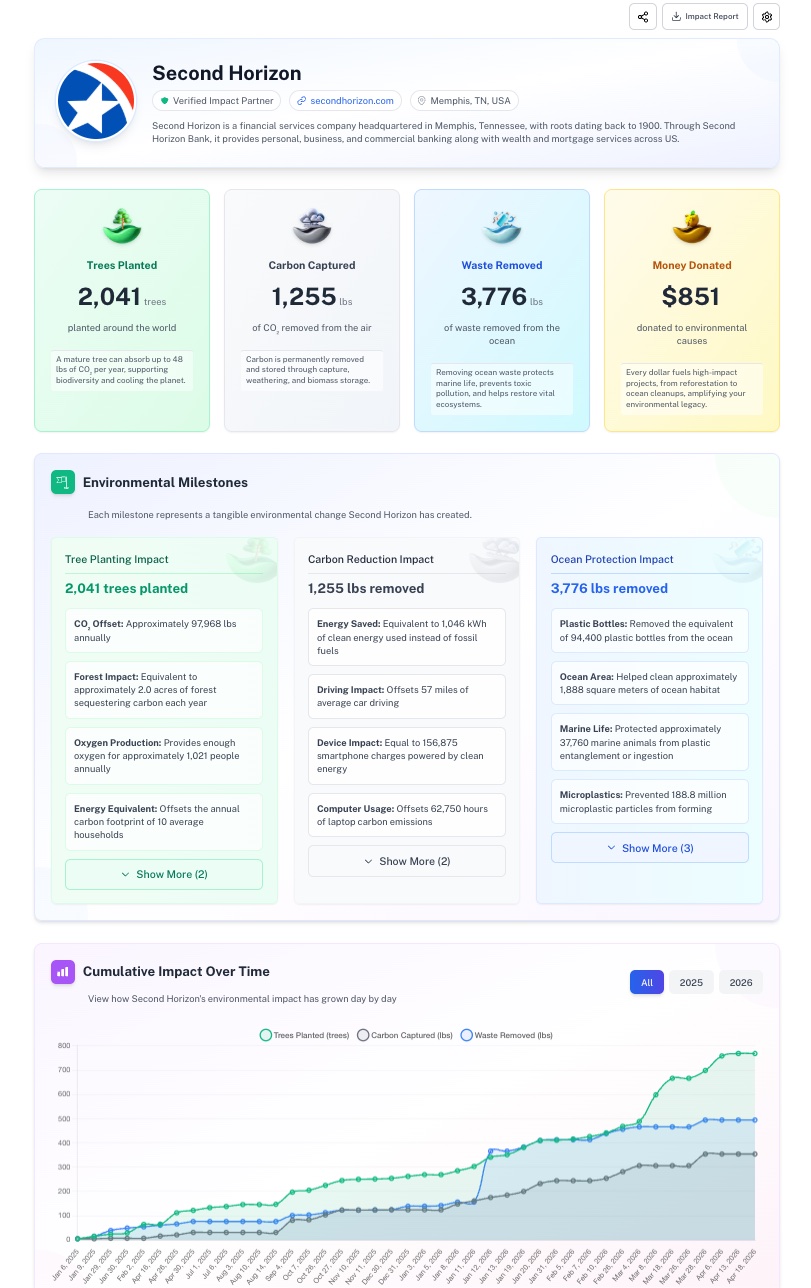
Enabling your profile
To turn on your public profile:
- Go to Profile & Settings in the 1ClickImpact app
- Toggle Public Profile to on
- Save your changes
When disabled, your profile URL returns a 404 page and is not accessible to anyone.
Auto-populated information
When you first enable your profile, it pulls basic information from your Shopify store automatically — your store name and other available details. You can customize all of these fields afterward.
Customizing your profile
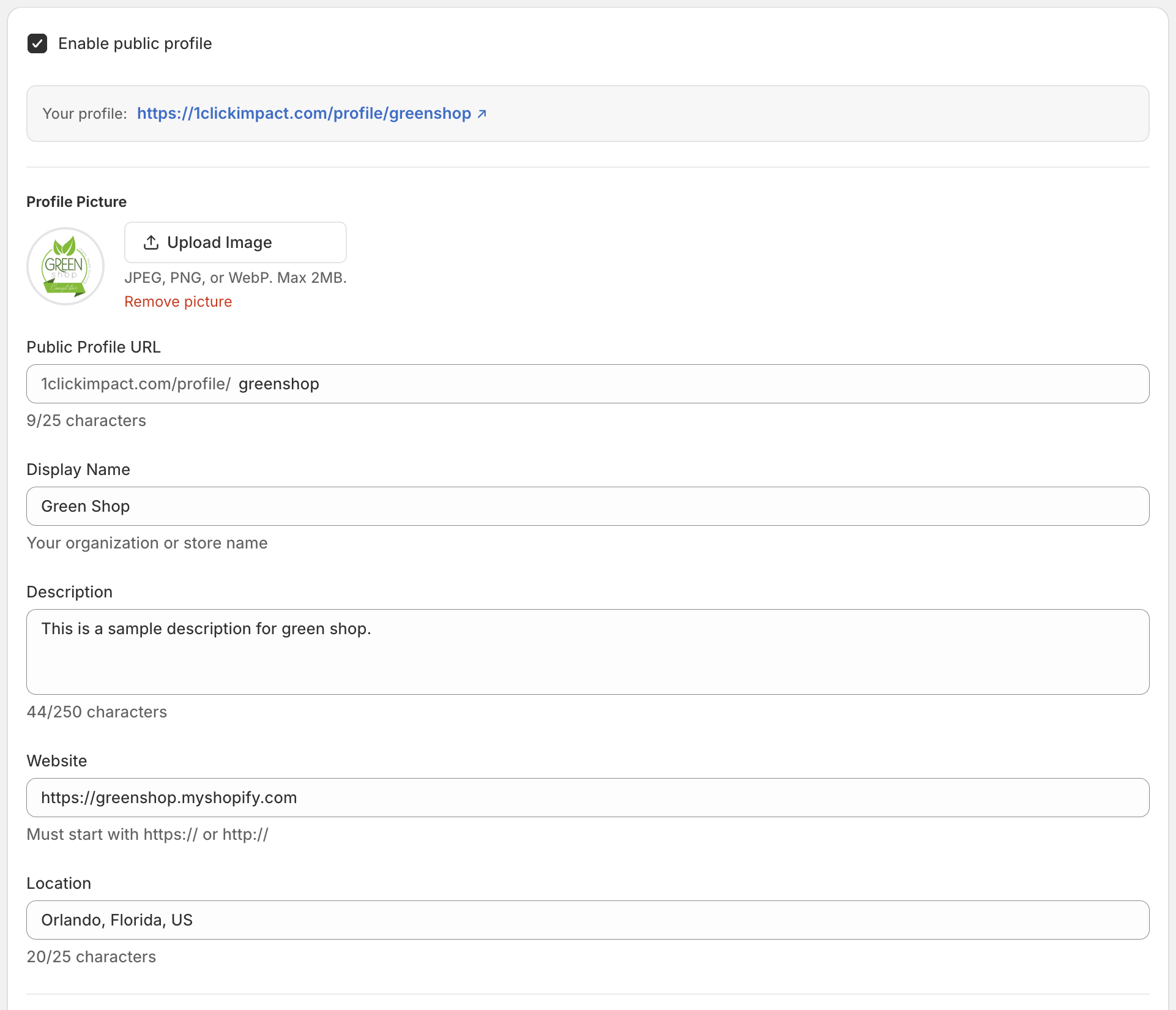
You can edit the following fields in the Profile & Settings page:
- Name — The display name shown on your profile (defaults to your Shopify store name)
- Description — A short bio or mission statement about your store's sustainability efforts
- Profile picture — Upload a logo or image to represent your brand
- Website URL — A link back to your store or any URL you want to feature
- Public Profile URL — The unique URL path for your profile
Your public URL
Your profile is available at:
https://1clickimpact.com/profile/{your-url}
The Public Profile URL is editable, so you can set it to match your brand name. For example, if your URL is greenstore, your profile would be at 1clickimpact.com/profile/greenstore.
Language and units
You can change the default language and measurement units (lbs vs kg) displayed on your public profile from the Language & Units settings page.
Your profile metrics update automatically as new impact is triggered. There is no need to manually refresh or republish your profile.