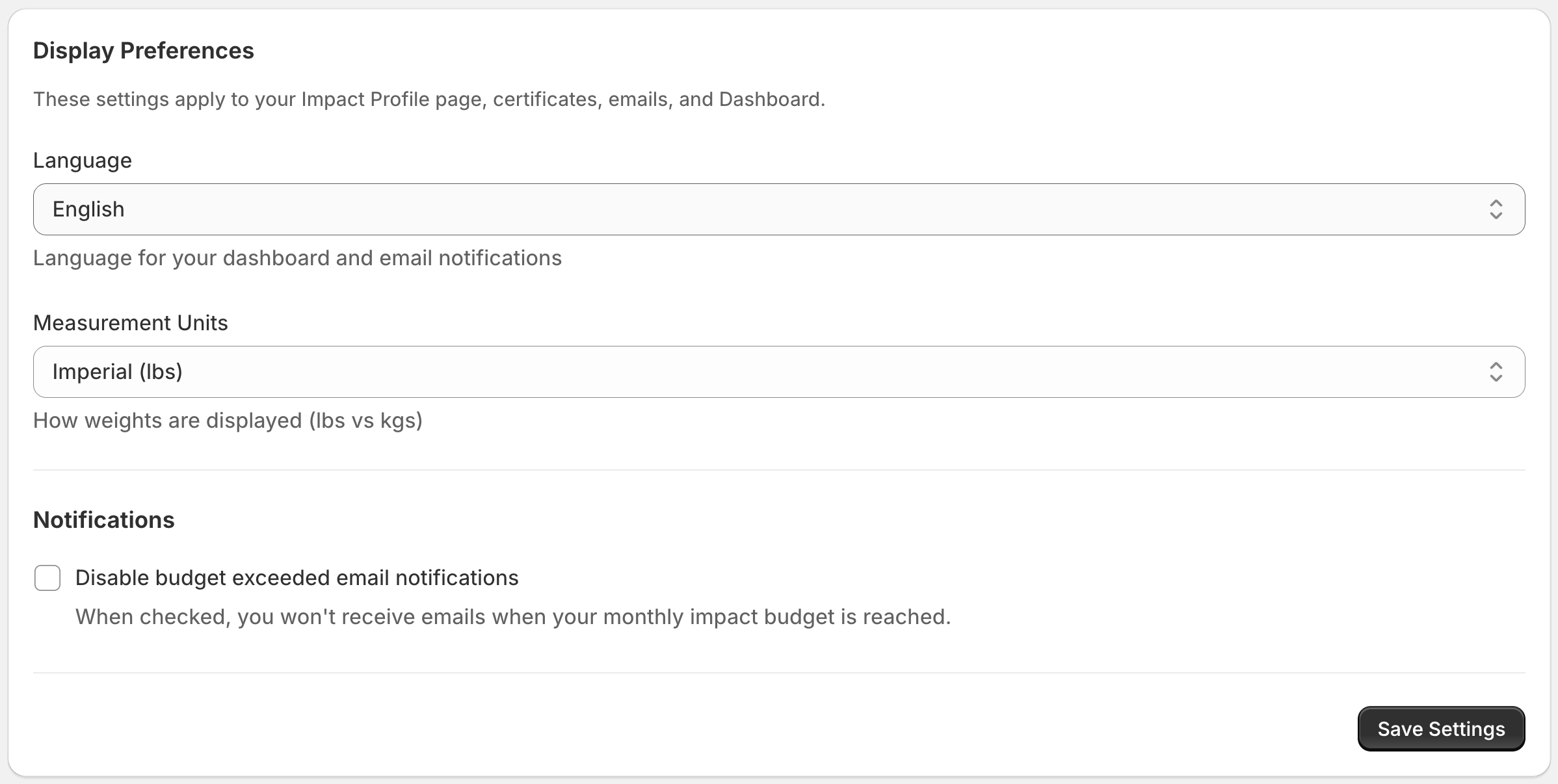
Language and Measurement Units
1ClickImpact supports multiple languages and measurement systems so you can use the app in the way that feels most natural for your region.
Changing the dashboard language
You can switch the app language from the settings page. The following languages are supported:
- 🇬🇧 English
- 🇪🇸 Spanish
- 🇫🇷 French
- 🇩🇪 German
- 🇳🇱 Dutch
The language setting applies to the entire app dashboard, including navigation, labels, and descriptions.
Changing measurement units
You can choose between two measurement systems:
- Imperial — Weight displayed in pounds (lbs)
- Metric — Weight displayed in kilograms (kg)
This affects how ocean waste and carbon capture amounts are shown throughout the app.
Where the settings apply
Your language and unit preferences are applied to:
- Customer impact emails — Impact confirmation emails sent to your customers reflect your chosen language and units
- Public profile — Your public impact profile displays in your selected language and units
- Storefront widgets (units only) — Widgets on your store display impact values in your selected measurement units (lbs or kg)
The language for storefront widgets is set automatically by your store's locale, not by this setting. If your store supports multiple languages, widgets will display in the customer's selected language. This setting controls the language for emails and your public profile.