

Email Notifications
1ClickImpact can automatically send impact confirmation emails to your customers after each order that triggers environmental impact.
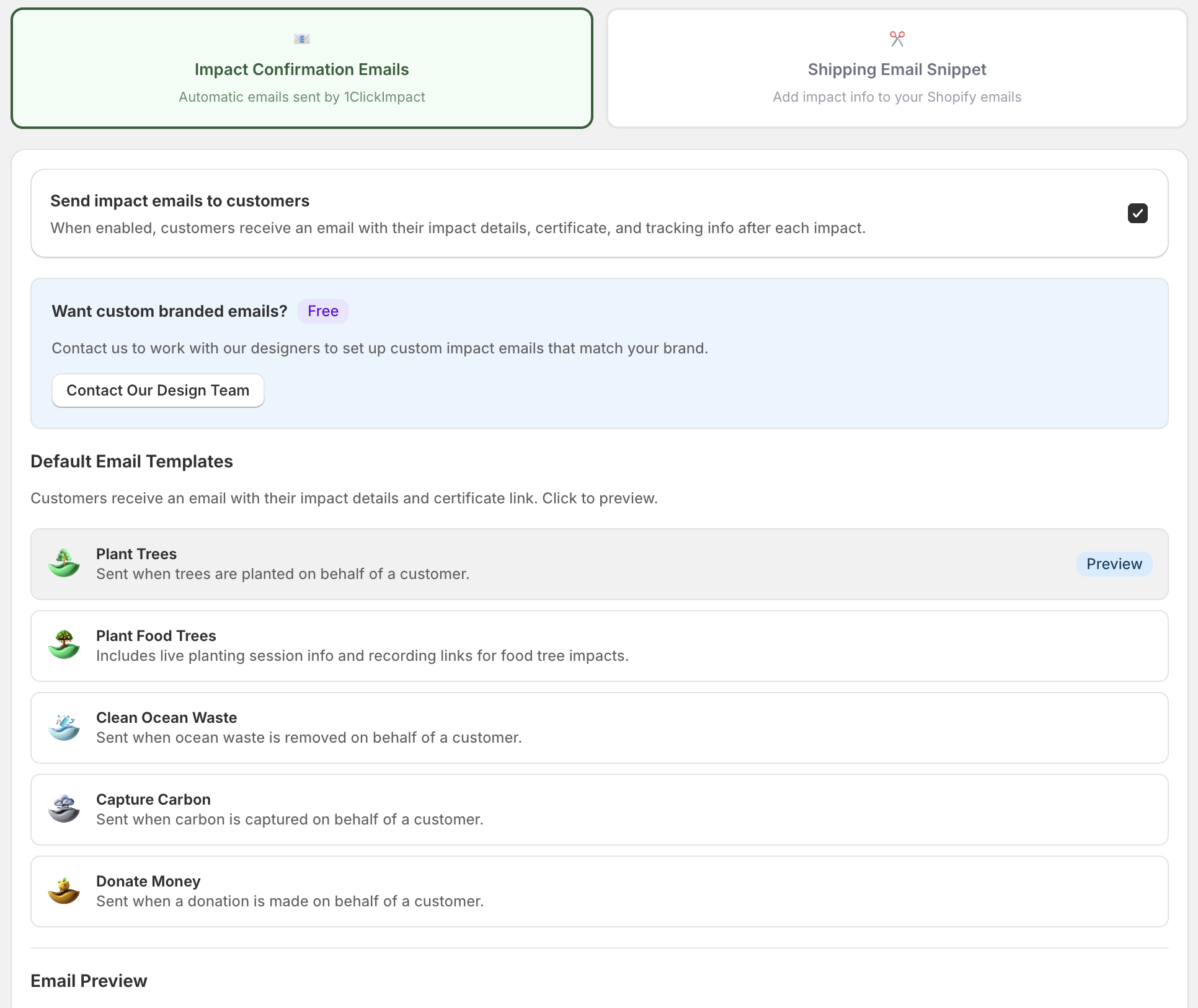
Enabling email notifications
To turn on customer emails:
- Go to the Email Settings page in the 1ClickImpact app
- Toggle Email Notifications to on
- Save your changes
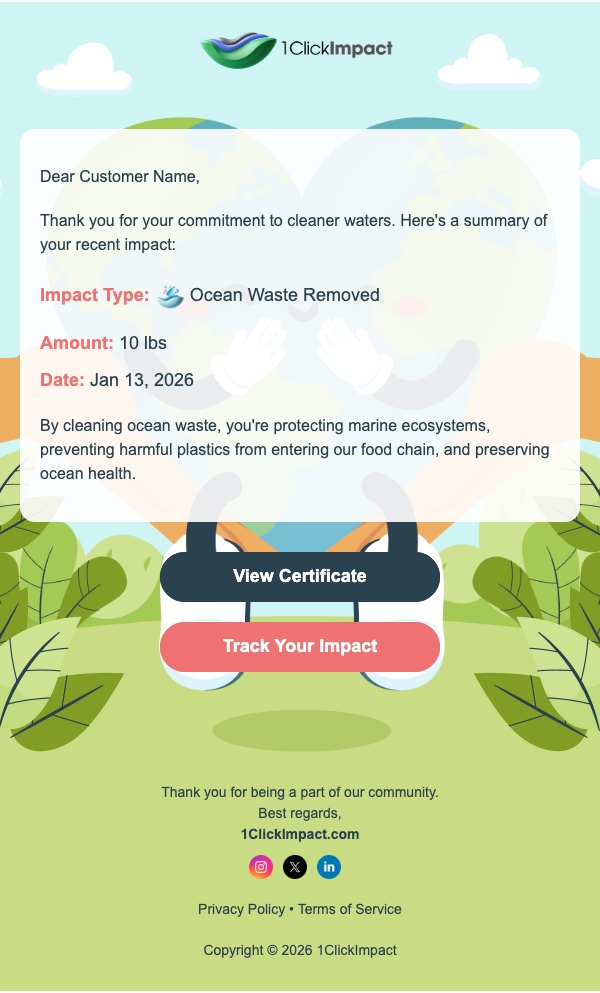
When enabled, every customer whose order triggers impact will receive a confirmation email with:
- A summary of the impact their order generated (trees planted, ocean waste removed, etc.)
- A link to their impact certificate
- Tracking information for their environmental contribution
When disabled, no emails are sent to customers. Impact is still triggered and recorded normally — customers simply won't receive a notification about it.
Custom branded email design
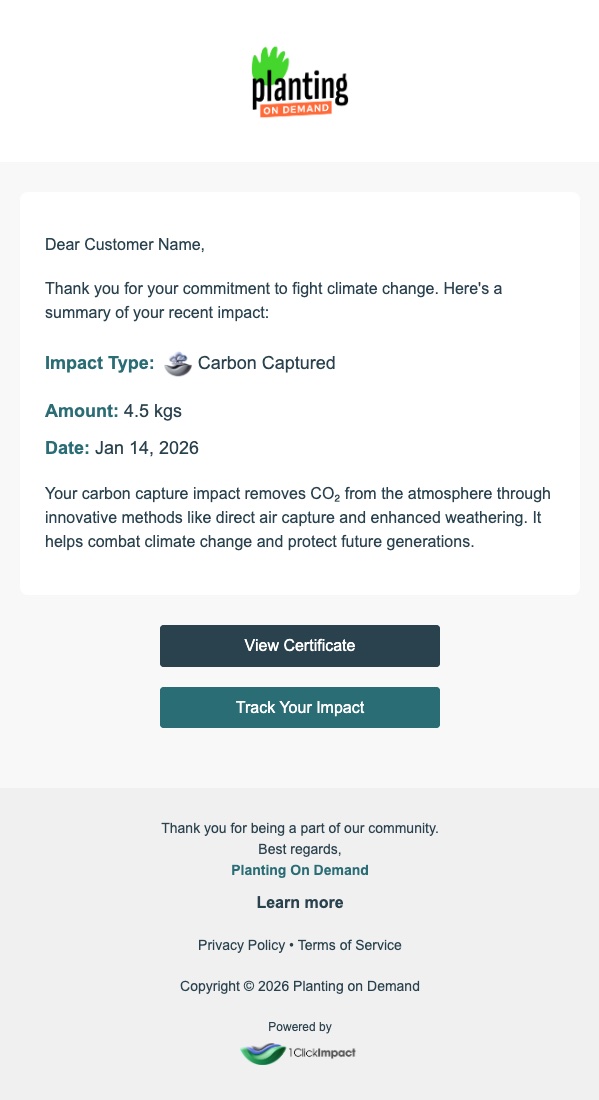
You can get a free custom-branded email design that matches your store's look and feel. The 1ClickImpact team will create a personalized email template featuring your logo, brand colors, and messaging.
To request a custom email design, reach out to the team at contact@1clickimpact.com with your branding details. There is no additional cost for this service.
Custom branded emails are designed and set up for you by the 1ClickImpact team at no charge. Just send over your logo and brand colors and they will handle the rest.